c2c graph generator
C2C graph generator
Turn a photo into a corner-to-corner graph with every diagonal row written out, including when to increase and decrease at each edge.
- Free to start
- No install
- Every row checked

the photo
Built for corner to corner
In C2C each square is a tile of three double crochets, worked diagonally from one corner. SoraStitch writes each diagonal in working order, tells you the tile count and whether to increase or decrease at each end, and counts how many tiles of each colour you need.
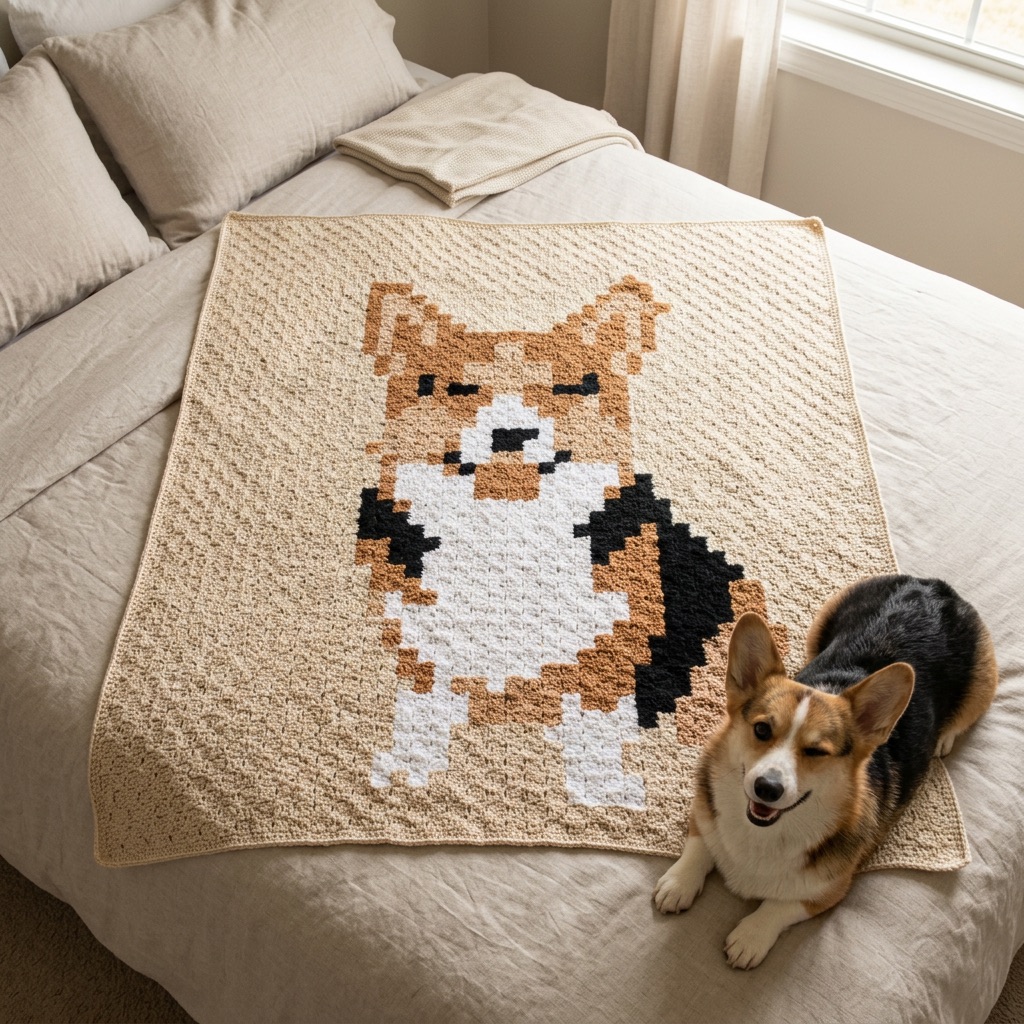
Tiles are roughly square, so C2C graphs keep your photo’s proportions naturally — perfect for pet blankets and portraits.
- 1
Upload any photo
Pets, portraits, kids’ drawings, logos or holiday snaps all work. The studio opens with C2C already selected.
- 2
Clean it up and size it
Let AI remove the background and simplify the colours, then choose how wide it should be and how many yarn colours to use.
- 3
Get your C2C graph
Edit any stitch by hand, then download the chart, a colour key with yardage and row-by-row instructions — or follow along in Make mode.
Tips for better results
Count tiles, not stitches
Each C2C square is one tile. At a typical worsted gauge of 4 tiles per 10 cm, a 40-tile square is about a metre across.
Mind the colour changes on the diagonal
Colours change mid-row in C2C just like other colourwork. Carry short runs, or cut and join for long gaps, and fewer colours keep it manageable.
Pets love C2C
The chunky tiles suit portraits: fur becomes bold blocks of colour, and the texture makes the blanket extra cosy.
What you get with every pattern
Whether you crochet or knit, SoraStitch gives you everything a published pattern would include — made from your own picture.
- A numbered chart with bold lines every 10 stitches
- Row-by-row written instructions, checked against the chart
- A colour key with yardage for every yarn colour
- Finished size in centimetres and inches from your gauge
- Make mode to follow along on your phone
- Printable PDF and PNG chart downloads
questions
Good to know
Where do I start a C2C graph?
SoraStitch charts start at the bottom-right corner. Row 1 is a single tile; rows grow by one tile until you reach the edges, then shape down.
How many tiles wide should my blanket be?
At a typical 4 tiles per 10 cm, 40 tiles makes a 100 cm (39 in) throw and 56 tiles about 140 cm (55 in).
Can I switch a C2C graph to single crochet?
Yes — change the technique in the studio and the chart and instructions are rebuilt for graphgan or tapestry.
What stitches make a C2C tile?
A classic tile is a chain-3 space plus three double crochets (US terms; treble crochet in UK terms).
Can I make a rectangle rather than a square?
Yes. Any width and height works: rows increase until they reach an edge, then decrease along that side while still increasing along the other.
Related tools
Turn any photo into a crochet pattern
Upload a picture and get a stitch-by-stitch chart sized to your gauge, a yarn list and every row written out — in about a minute.
OpenYour pet, made into a blanket
Upload a photo of your dog or cat and get a blanket pattern you can crochet or knit — sofa and all removed by AI.
OpenGraphgan pattern maker
Design picture blankets in single crochet: choose the size, pick your colours and get a graph with every row counted.
Open