photo to crochet pattern
Turn any photo into a crochet pattern
Upload a picture and get a stitch-by-stitch chart sized to your gauge, a yarn list and every row written out — in about a minute.
- Free to start
- No install
- Every row checked
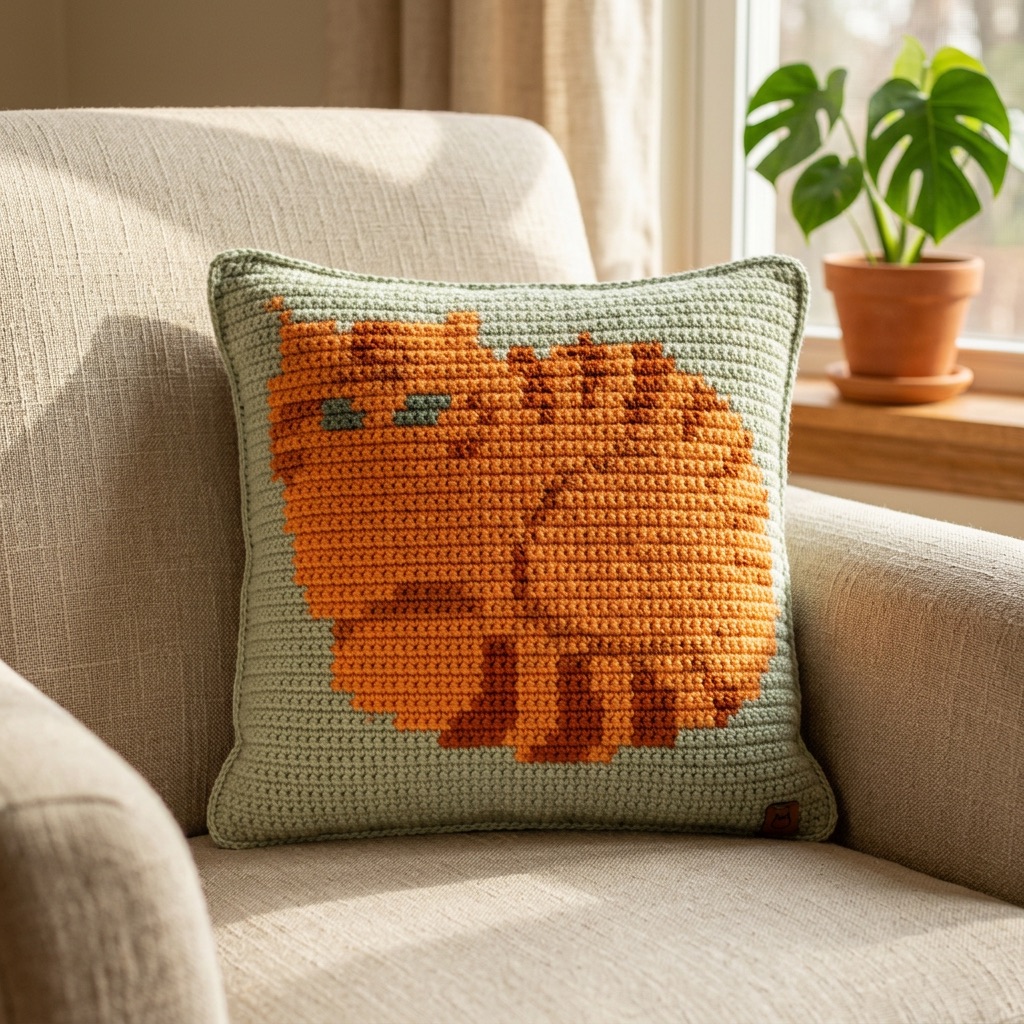
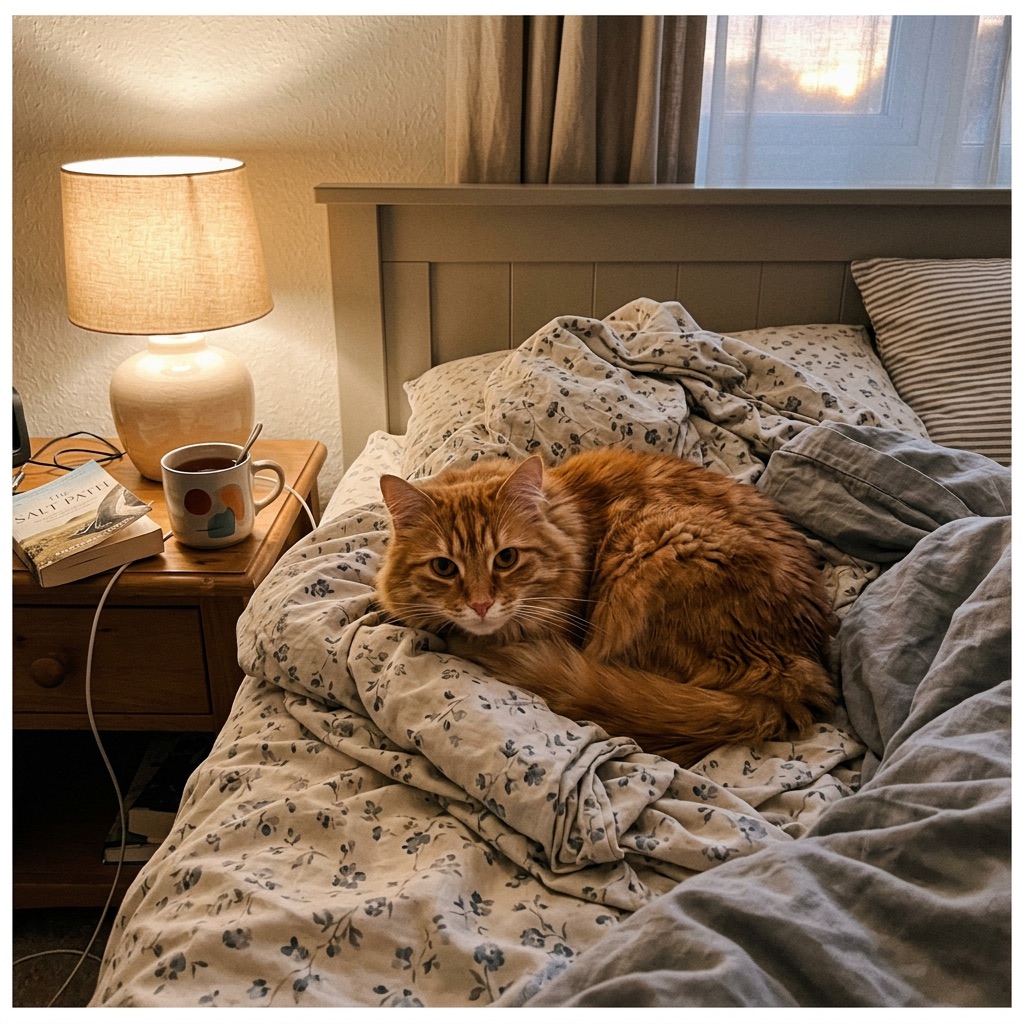
the photo
A converter that thinks like a crocheter
Most photo converters shrink your picture as it is, so the sofa, the shadows and every shade of fur end up in the chart. SoraStitch can clean the photo up with AI first, then reduces it to the number of yarn colours you choose and tidies away lone stitches so you change colour far less often.
Stitches aren’t square, so the chart is sized from your gauge rather than the pixel count — the finished blanket keeps the photo’s proportions instead of coming out squashed.
Every written row is calculated from the chart and checked, so the instructions always add up.
- 1
Upload any photo
Pets, portraits, kids’ drawings, logos or holiday snaps all work. The studio opens with graphgan already selected.
- 2
Clean it up and size it
Let AI remove the background and simplify the colours, then choose how wide it should be and how many yarn colours to use.
- 3
Get your crochet pattern
Edit any stitch by hand, then download the chart, a colour key with yardage and row-by-row instructions — or follow along in Make mode.
Tips for better results
Pick a photo with one clear subject
A single pet, face or object reads far better in yarn than a crowded scene. Crop close so the subject fills most of the frame before you start.
Fewer colours, stronger picture
Five to eight yarn colours is the sweet spot for most photos. Each extra colour adds colour changes and ends to weave in, often for very little visual gain.
Size for the stitch, not the pixel
A 60–80 stitch width is plenty for a recognisable pet portrait on a lap blanket. Enter your real gauge so the finished size and proportions are right.
What you get with every pattern
Whether you crochet or knit, SoraStitch gives you everything a published pattern would include — made from your own picture.
- A numbered chart with bold lines every 10 stitches
- Row-by-row written instructions, checked against the chart
- A colour key with yardage for every yarn colour
- Finished size in centimetres and inches from your gauge
- Make mode to follow along on your phone
- Printable PDF and PNG chart downloads
questions
Good to know
What kind of photos work best?
Anything with a clear subject: a pet, a face, a flower, a logo. Busy backgrounds are fine if you use AI cleanup, which removes them for you.
Which crochet techniques can I use?
Graphgan (single crochet in rows), tapestry crochet and corner-to-corner (C2C). You can switch between them in the studio at any time.
How big will my blanket be?
You choose the width in stitches and your gauge; the studio shows the finished size in centimetres and inches as you go.
Is it really free?
Making, editing and following charts is free. AI cleanup uses credits — you can try it free, and a free account includes one cleanup.
How long does it take to convert a photo?
Charts are created instantly in your browser as you change the settings. AI cleanup, if you use it, usually takes 10–20 seconds.
Do I need to install anything?
No. SoraStitch runs in any modern browser on a computer, tablet or phone, and your patterns sync to your account when you save them.
Related tools
C2C graph generator
Turn a photo into a corner-to-corner graph with every diagonal row written out, including when to increase and decrease at each edge.
OpenGraphgan pattern maker
Design picture blankets in single crochet: choose the size, pick your colours and get a graph with every row counted.
OpenThe AI pattern generator that gets the counts right
AI does the part it’s good at — redrawing your photo in clean yarn colours. Then SoraStitch calculates every stitch, so the pattern actually works.
Open